How to block a user?
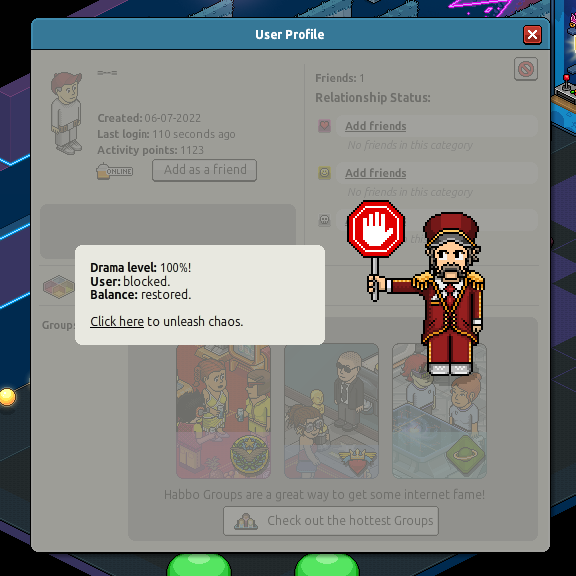
- Select the user you would like to block to open their profile
- Click the block button next to the report button
- Confirm your decision
What happens when you block a user?
- They will not be able to enter or search your rooms
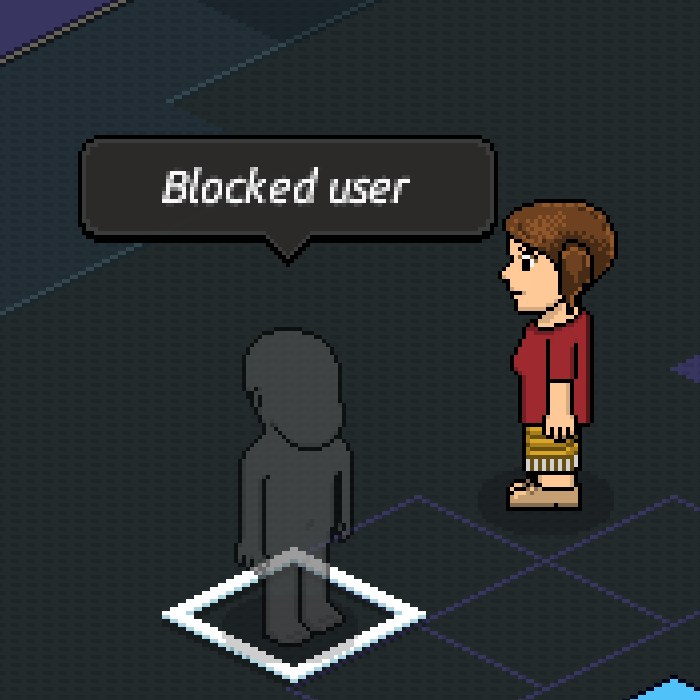
- They will appear anonymously as a ghost in rooms you are both in
- You will not see any of their messages or actions in a room, and vice versa
- They will be unable to send gifts, friend requests, or start trades with you
How do you unblock a user?
- Search for the user
- Open their profile
- Click the unblock button
Couldn't find what you were looking for? Submit a request